What to cook with what's already in your fridge
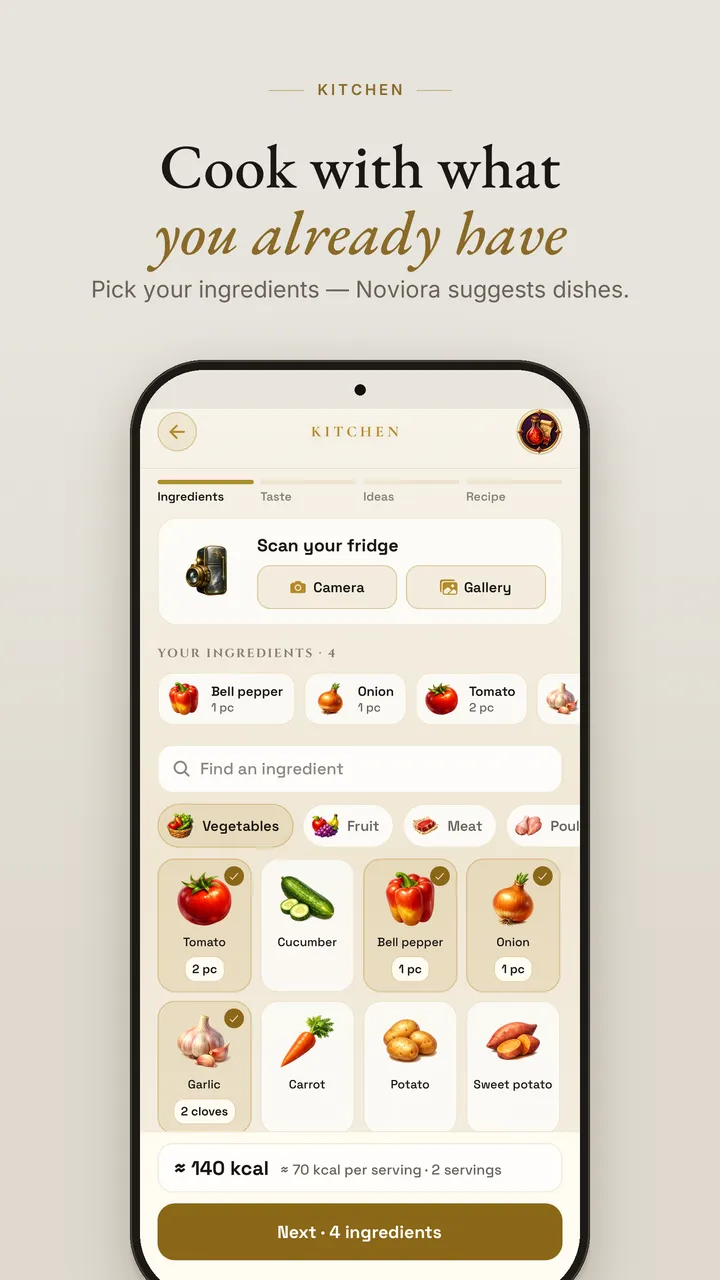
Take a photo of your fridge or type what you have. Noviora turns your ingredients into three dish ideas and a full recipe with steps, portions and calories, then saves it to your own cookbook.

How it works
- Show what you haveSnap your fridge or shelves, or type a list. The scanner recognises your ingredients.
- Pick a tasteChoose a cuisine, a diet and how light or hearty the meal should be.
- Get three ideasDishes built around your own ingredients, so you shop less and waste less.
- Cook and earn XPFollow the steps, save the recipe to My cookbook and turn dinner into a completed quest.
Recipes from your fridge
Fridge scanner
A photo or a list is enough to start. No need to know the recipe name.
Calories per serving
Every recipe shows calories calculated from a curated ingredient catalog.
My cookbook
Generated recipes and your own, with photos, in one book you can cook from again.
Questions
Is it free?
Yes. Noviora is free to start. Photo recipe generation has a daily limit on the free plan; Premium raises it to 5 photo recipes a day.
Can I use it without taking a photo?
Yes. You can type your ingredients as a list instead of photographing them.
Does it count calories?
Yes. Each recipe shows calories per serving, and you can log meals in the calorie diary.
Which languages are supported?
English, Ukrainian, German, Slovak and Korean.
More ways to play real life
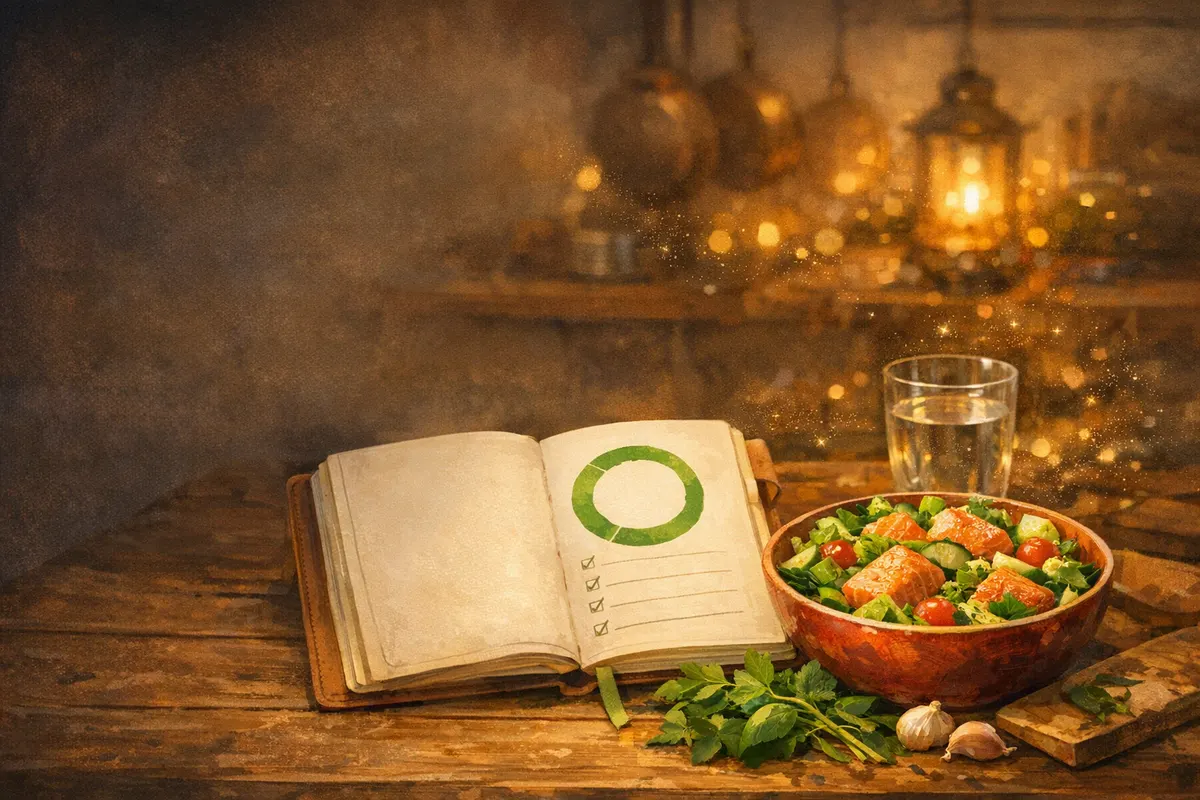
Calorie diary
Log meals and estimate calories from a plate photo.

City relic routes
Walk real landmarks and collect AR relics.
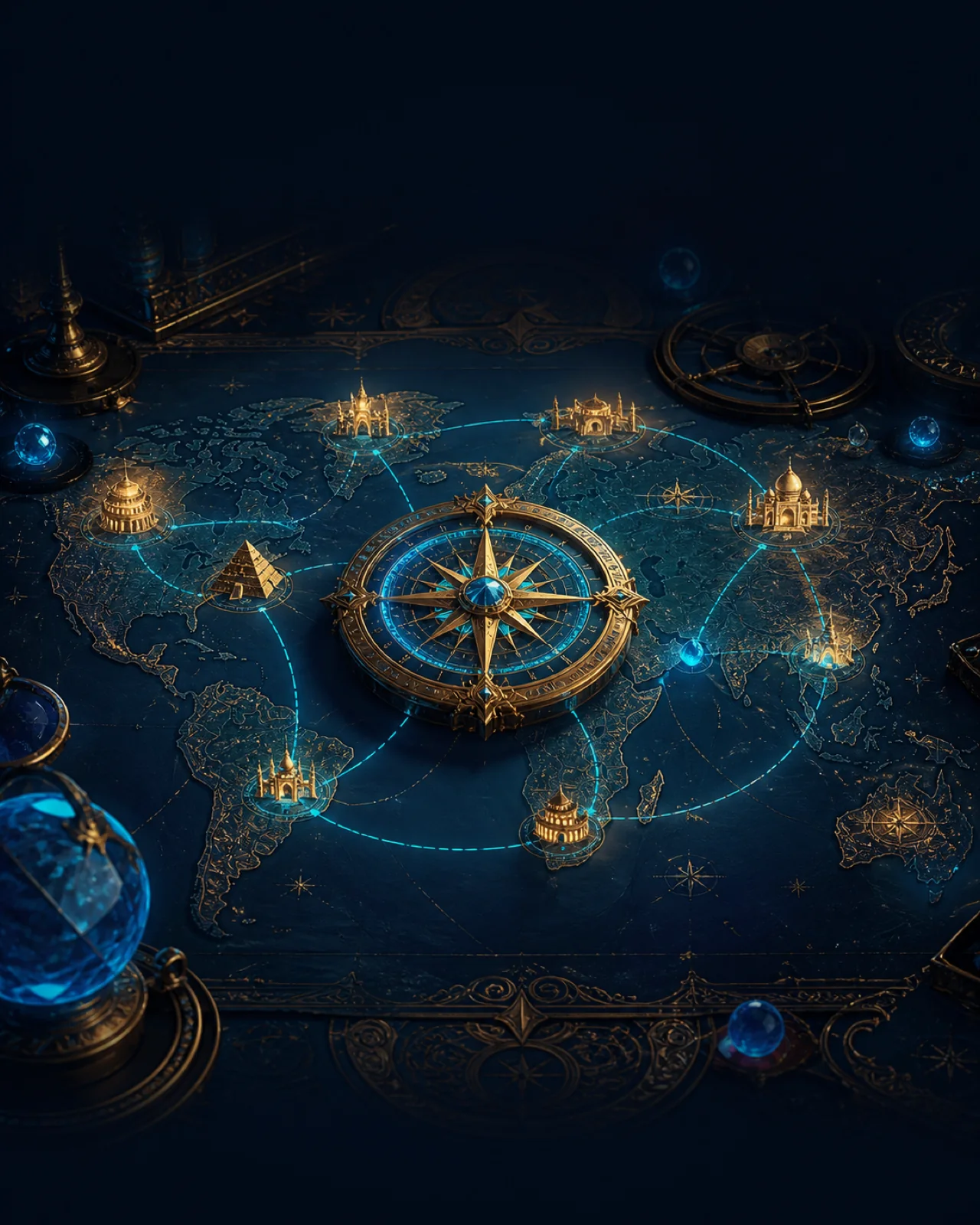
History expeditions
Short lessons, quizzes and Codex cards.

Self-improvement RPG
Real quests, XP, levels and guilds.
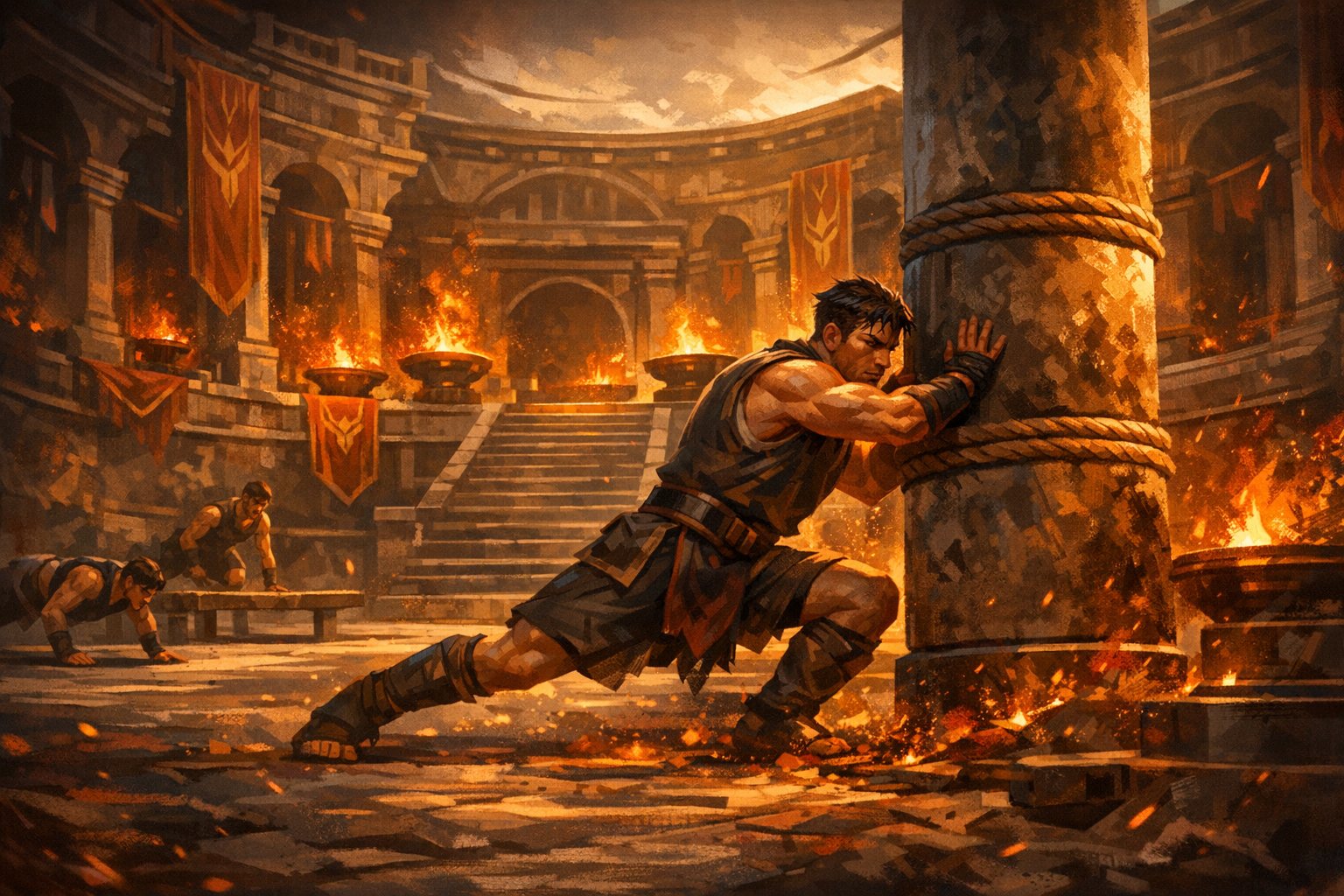
Quests with friends
Share quests, join a guild, climb together.

Seasonal quests
History, countries and cuisine as quest packs.
Promo code routes
Quest routes and real rewards at venues.
Open your fridge. Get a recipe.
Download Noviora and turn tonight's leftovers into a dish and a completed quest.